· Updated
How to Stop Contact Form Spam as an Indie Hacker
You ship. You share the link. Then your contact form turns into a magnet for cold outreach, SEO agencies, and "we can build that for you" DMs. Real leads get buried. If you're building something and want an indie hacker email spam filter that works without touching your code — and that scales with you — read on.
Why contact form spam hits indie hackers so hard
After launch, a big chunk of form submissions are rarely from real users. They're from agencies, freelancers, and tools trying to sell you something. For solo founders, that means:
- Wasted time — Skimming and deleting dozens of irrelevant emails every week.
- Missed leads — Real questions and signup interest get lost in the noise.
- Noise fatigue — You start ignoring the inbox, and that's when you miss the one that mattered.
If you've ever thought "I wish I could filter contact form spam before it hits my inbox," you're in the right place. The good news: you can, without changing a single line of code in your app.
Why CAPTCHAs and form-level blockers aren't enough
A lot of indie hackers try CAPTCHAs first. They help a bit, but modern bots can solve or bypass many of them. Plus they add friction for real users and don't stop human-written cold outreach — which is often the bulk of the problem.
Form-level spam plugins (e.g. Akismet, form-specific filters) only work for that one form or platform. If you use a simple HTML form, Webflow, Typeform, or anything that just sends email, you're either locked into one ecosystem or out of luck. What you really want is something that works after the form submits — at the email layer — so it doesn't matter which form builder or stack you use. For a deeper breakdown of what CAPTCHAs actually block and why they miss intent-based spam, see Why CAPTCHAs don't stop contact form spam.
Filter at the email layer: one setup, any form
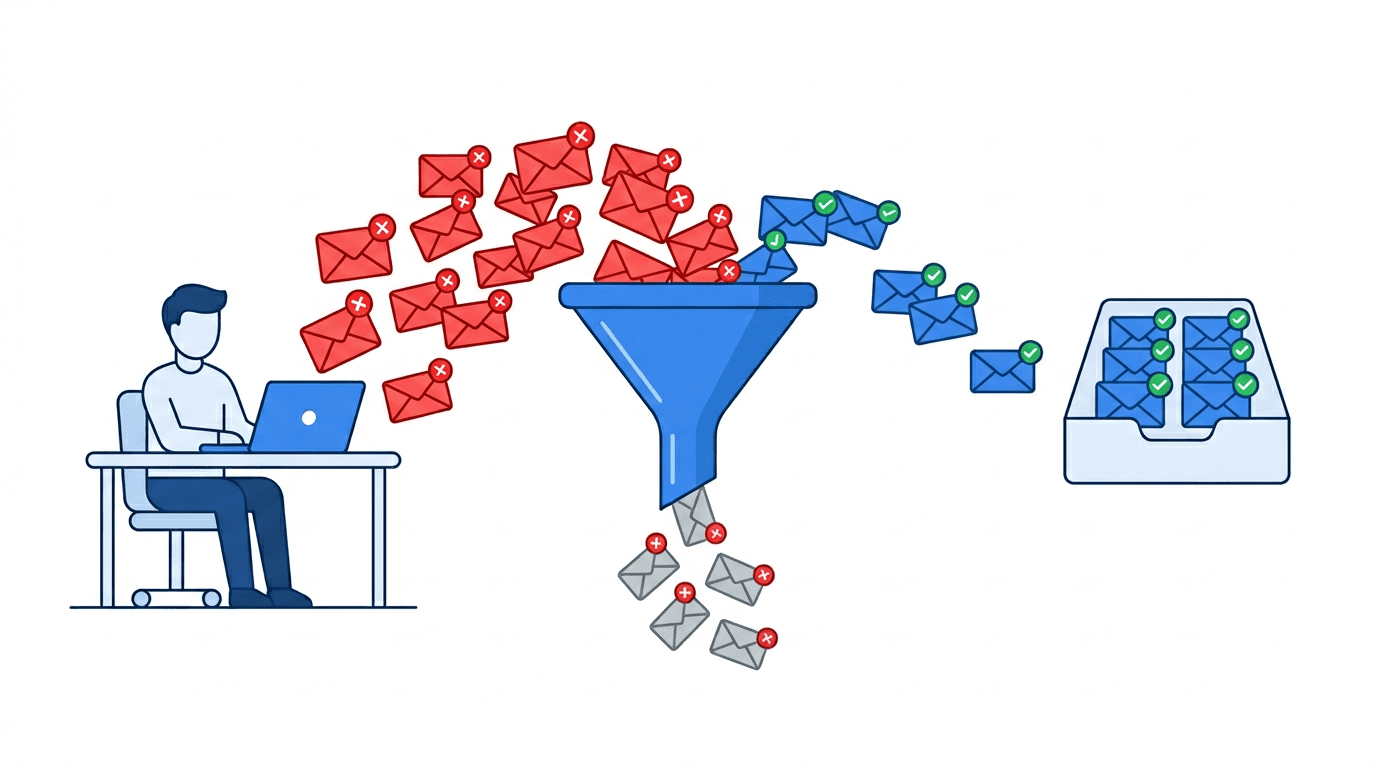
The idea is simple: instead of having your form send submissions straight to your personal inbox, you send them to a dedicated address that's connected to a filter. The filter decides whether each message is likely spam or a real lead, and only forwards the ones that look legitimate. You get one inbox with only the stuff that matters.
Benefits of this approach:
- No code changes — You only change the "notification email" in your form or form builder. No APIs, no plugins, no deploy.
- Works with any form — Contact Form 7, WPForms, Webflow, Typeform, Notion, Airtable, or a custom form that sends email. If it can send to an address, it works.
- AI can judge intent — Modern filters use language models to tell "sales pitch" from "real user question," so you catch both bot spam and human cold outreach.
How to set up an indie hacker email spam filter (without code)
In practice, you only need a few steps:
- Sign up for a service that gives you a forwarding address and runs spam filtering (e.g. formpuppy).
- Create a project and get a unique email address like
you@yourproject.formpuppy.com. - In your form or form builder, set the "send to" / "notification email" to that address instead of your personal inbox. (If you're on Contact Form 7, here's the exact setup guide.)
- In the dashboard, set your real inbox as the "forward to" address. Only messages classified as non-spam will be delivered there.
From then on, every submission goes through the filter first. You can still log in to the dashboard to review anything that was blocked, so you don't lose a real lead by mistake. Over time, you can mark misclassified messages to improve the filter — so it gets better the more you use it.
What to look for in a contact form spam solution
When you're choosing a tool, keep these in mind:
- Platform-agnostic — It should work with any form that sends email, not only WordPress or one specific builder.
- Transparent pricing — Clear limits and overages so you can scale from side project to real traffic without surprises.
- Feedback loop — The ability to mark false positives and false negatives so the filter improves for your use case.
- Low friction — Setup in minutes by changing one email address, no code or plugin required.
Summary
Contact form spam is a real time-sink for indie hackers and solo founders. CAPTCHAs and form-only solutions have limits; filtering at the email level gives you one setup that works for every form, on any platform, without code. Change the form's "send to" address to a filter, forward only non-spam to your inbox, and you get back control of your contact form — and your time.
If you want to try this approach, formpuppy does exactly that: AI-based filtering, no code changes, and it works with any form that can send email. You can start with a free tier and upgrade as your traffic grows.
Frequently Asked Questions
Does formpuppy work with any contact form?
Yes. It works with any form that sends email notifications — Contact Form 7, WPForms, Webflow, Typeform, Notion, or a custom HTML form. You only change the "notification email" in your form builder; the tool or platform you use doesn't matter.
Will I miss real leads if a message is accidentally filtered as spam?
No. You can log in to the dashboard to review everything that was blocked. If something was misclassified, you can mark it and it gets forwarded immediately. The filter also improves over time as you give it feedback.
Does it require code changes or plugin installs?
No. Setup takes a few minutes: sign up, get a unique email address, and change the "notification email" in your form or form builder. No code, no deploy, no plugins. Because the filter operates at the email layer — outside your app entirely — there's nothing to integrate on your end beyond updating one field.
How is AI filtering different from a CAPTCHA?
CAPTCHAs try to stop bots before they submit. AI filtering happens after submission, at the email level. It can detect human-written cold outreach and sales pitches — not just bot traffic — which is where most of the noise comes from for indie hackers.