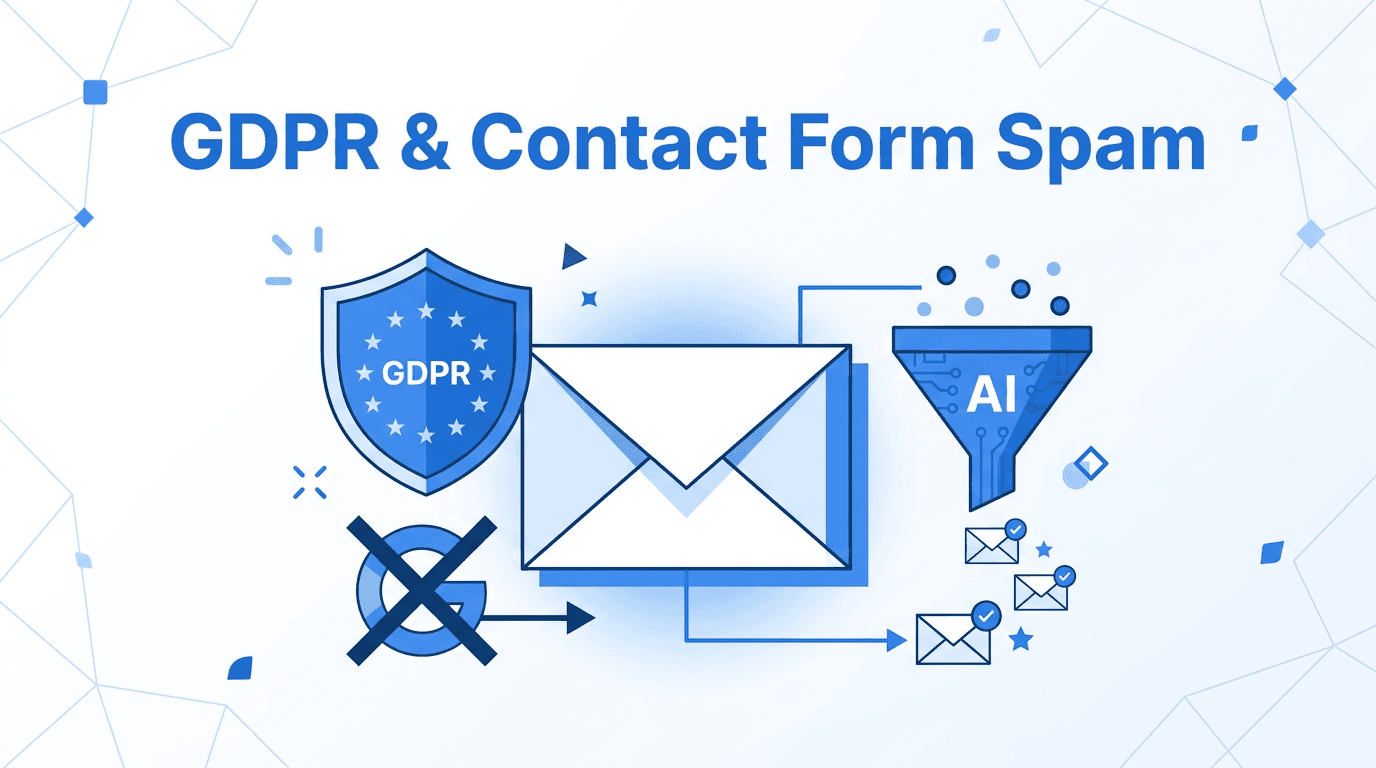
GDPR-Friendly Contact Form Spam Filtering Without reCAPTCHA
You add reCAPTCHA to your contact form to stop spam. Then someone files a GDPR complaint, or you get a warning about cross-border data transfers, and you realize you've traded one headache for another. The good news: there's a way to filter contact form spam that doesn't require any third-party scripts on your site at all — and it often works better.
Why reCAPTCHA creates GDPR friction
Google reCAPTCHA is ubiquitous, but it comes with real compliance overhead for EU-based businesses and anyone targeting European visitors:
- US data transfer: reCAPTCHA sends behavioral data (mouse movements, browser fingerprint, cookie data) to Google servers in the US. Post-Schrems II, this transfer requires a legal basis that Standard Contractual Clauses alone may not fully satisfy.
- Consent requirement: Several EU supervisory authorities have ruled that loading reCAPTCHA requires explicit user consent — meaning you need a cookie banner interaction before the CAPTCHA even loads, adding friction for every visitor.
- Privacy policy disclosure: You must inform users in your privacy policy that reCAPTCHA processes data on Google's behalf, increasing the length and complexity of that document.
hCaptcha and alternatives reduce some of these issues but don't eliminate them. Any third-party script that runs in the browser and sends data offsite carries some compliance weight.
What reCAPTCHA actually stops (and what it doesn't)
Even setting aside GDPR, CAPTCHAs only solve part of the problem. They block automated bots submitting forms at scale — scripts that fill in fields and click submit without human involvement. What they cannot stop:
- Human cold outreach: Sales emails, link-building requests, and agency pitches written by a real person pass every CAPTCHA challenge.
- AI-assisted spam: Increasingly, spammers use language models to write plausible-sounding messages that bypass keyword filters and look like genuine inquiries.
- Honeypot bypasses: Sophisticated bots detect hidden fields and leave them empty, defeating the most common non-CAPTCHA bot filter.
For most small businesses and indie projects, human-written outreach is a larger volume problem than bot submissions. CAPTCHAs don't address it at all. For a full breakdown of why this is the case, see Why CAPTCHAs Don't Stop Contact Form Spam.
How email-layer filtering reduces form-side compliance overhead
The core idea is straightforward: instead of filtering submissions at the form (browser side), you filter them after the form sends an email. Your form submits normally — no JavaScript challenges, no third-party scripts, no cookie consent interaction required — and the email the form generates is evaluated by an AI classifier before it reaches your inbox.
From a GDPR standpoint, this approach has a smaller footprint:
- No visitor-side tracking: The form itself collects only what you've designed it to collect. No additional behavioral data leaves the visitor's browser.
- Data processor relationship: The filtering service processes email content you already receive, under a data processing agreement — a simpler, well-understood GDPR relationship.
- No consent banner needed for the spam filter: Because the filter runs on email you receive (not on visitor behavior), it doesn't require a cookie consent interaction on your site.
This doesn't eliminate all GDPR obligations — you still need to handle the contact form submission data itself according to your policy — but it removes a category of compliance risk that reCAPTCHA introduces.
How to set it up without touching your site's code
The setup is a single field change in your form or form builder:
- Sign up for an email-layer filtering service (e.g. formpuppy) and create a project.
- You'll receive a dedicated forwarding address like
you@yourproject.formpuppy.com. - In your form's notification settings, change the "send to" address to that forwarding address.
- Set your real inbox as the delivery destination in the service's dashboard.
Every form submission goes through the AI filter. Genuine inquiries land in your inbox; sales pitches and spam are held in a reviewable quarantine so you never lose a real message by mistake. No new scripts on your site, no CAPTCHA widget, no cookie consent update needed. If you use Contact Form 7 on WordPress, see the exact setup steps here.
What to look for in a GDPR-compliant vendor
If compliance is a concern, check these points before signing up:
- Data Processing Agreement (DPA): The vendor should offer a DPA on request, or include one in their terms. This is required under GDPR Article 28.
- Where data is processed: Prefer vendors that process email in the EU or EEA, or that can demonstrate an adequate transfer mechanism.
- Retention policy: Email content should not be retained indefinitely. Look for a clear retention period (e.g. 30–90 days for quarantined items).
- No data resale: Confirm the vendor does not use your email content to train shared models or sell data to third parties.
Frequently Asked Questions
Does removing reCAPTCHA mean bots will flood my form? Bots can submit forms without CAPTCHA, but bot-generated submissions are just emails — your filter evaluates them on content, not on whether a script filled in the form. Automated, repetitive submissions are easy for an AI filter to catch. You may see more raw submissions, but fewer of them reach your inbox.
Is this compliant with GDPR? No spam filtering solution eliminates all GDPR obligations, and this article isn't legal advice. What email-layer filtering does is remove a common compliance friction point — reCAPTCHA's cross-border data transfer — while keeping the filtering logic on the email side. You should review your overall data handling with a qualified adviser.
What happens to messages the filter marks as spam? Reputable services quarantine filtered messages rather than deleting them. You can log into the dashboard, review the quarantine, and release any message that was incorrectly flagged. This prevents false positives from causing you to lose real leads.
Does this work with any form builder? Yes. The filter works at the email layer, so it doesn't matter which form builder, CMS, or custom stack you use. If your form can send a notification email to an address, it works — Contact Form 7, Webflow, Typeform, Tally, a hand-coded HTML form, all of them.
Do I need to update my privacy policy? You should add a brief note that form submissions are processed by a third-party email service under a DPA. This is typically a smaller disclosure than documenting reCAPTCHA's behavioral data collection and US transfers. You can also remove or reduce reCAPTCHA-related disclosures if you stop using it. Consult your privacy policy template or a qualified adviser to confirm what's appropriate for your jurisdiction.
Summary
reCAPTCHA stops bots but creates GDPR compliance overhead — consent banners, US data transfers, privacy policy additions — without addressing the human cold outreach that makes up the bulk of contact form noise. Email-layer AI filtering handles both: it catches bot submissions and human spam by evaluating content after the form sends, with no visitor-side scripts and a simpler compliance profile. The setup is one field change in your form's notification settings.
formpuppy filters contact form submissions at the email layer — no visitor-side scripts, no CAPTCHA consent banner, and no new compliance obligations added to your site.